
Categories
Group your dishes into sections like Starters, Mains and Drinks. Guests jump between them on your page.
Every dish sits inside a category. Categories are the sections of your menu and the links guests tap to jump around your page.
Add a category
- Open Menu in the Dashboard and pick the Categories tab.
- Click Add a category.
- Type the name. Short is best: "Pizzas", "Drinks", "Desserts".
- Add a description if the section needs one. It shows under the category name.
- Click Add category.
Good to know
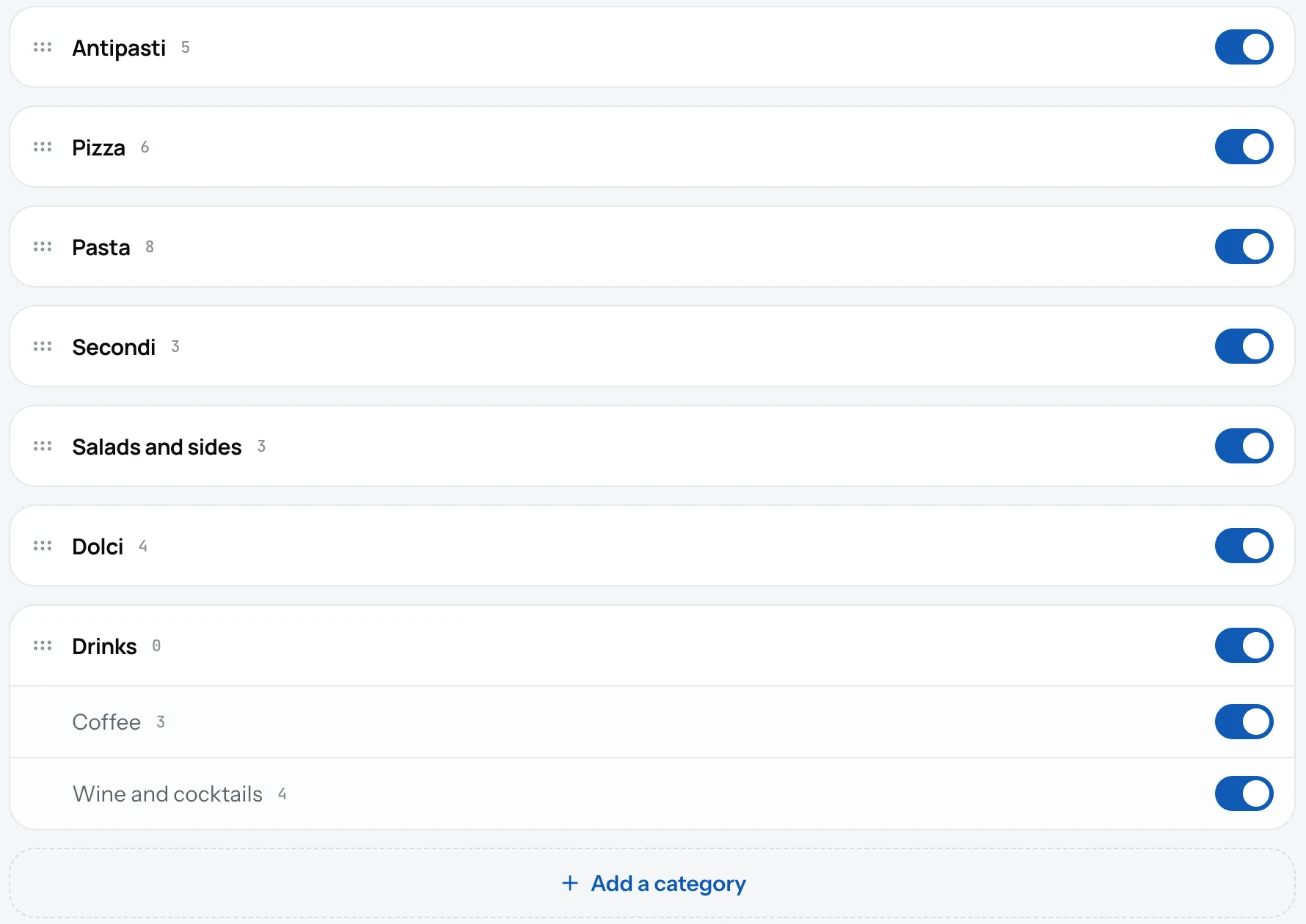
- A category can hold one level of sub-categories: "Drinks" with "Hot" and "Cold" inside. Deeper than that is not possible.
- Turn the Visible switch off to take a whole section off your page without deleting it. Seasonal menus work this way.
- Deleting a category asks you first, because the dishes in it go with it.
- Breakfast only in the morning? Give the category serving times.
- Start with three to six categories. Guests read short menus faster.
Related
- DishesAdd a dish with a name, price, photo and description. It shows on your page the moment you save it.
- Serving timesGive a category its days and hours, like breakfast 7:00 to 11:00. Your page says when it's served, and TV screens hide it outside those times.
- Sold out and hiddenMark a dish sold out for tonight, or hide it from the menu without deleting it. One switch, changed from your phone.