
Page views
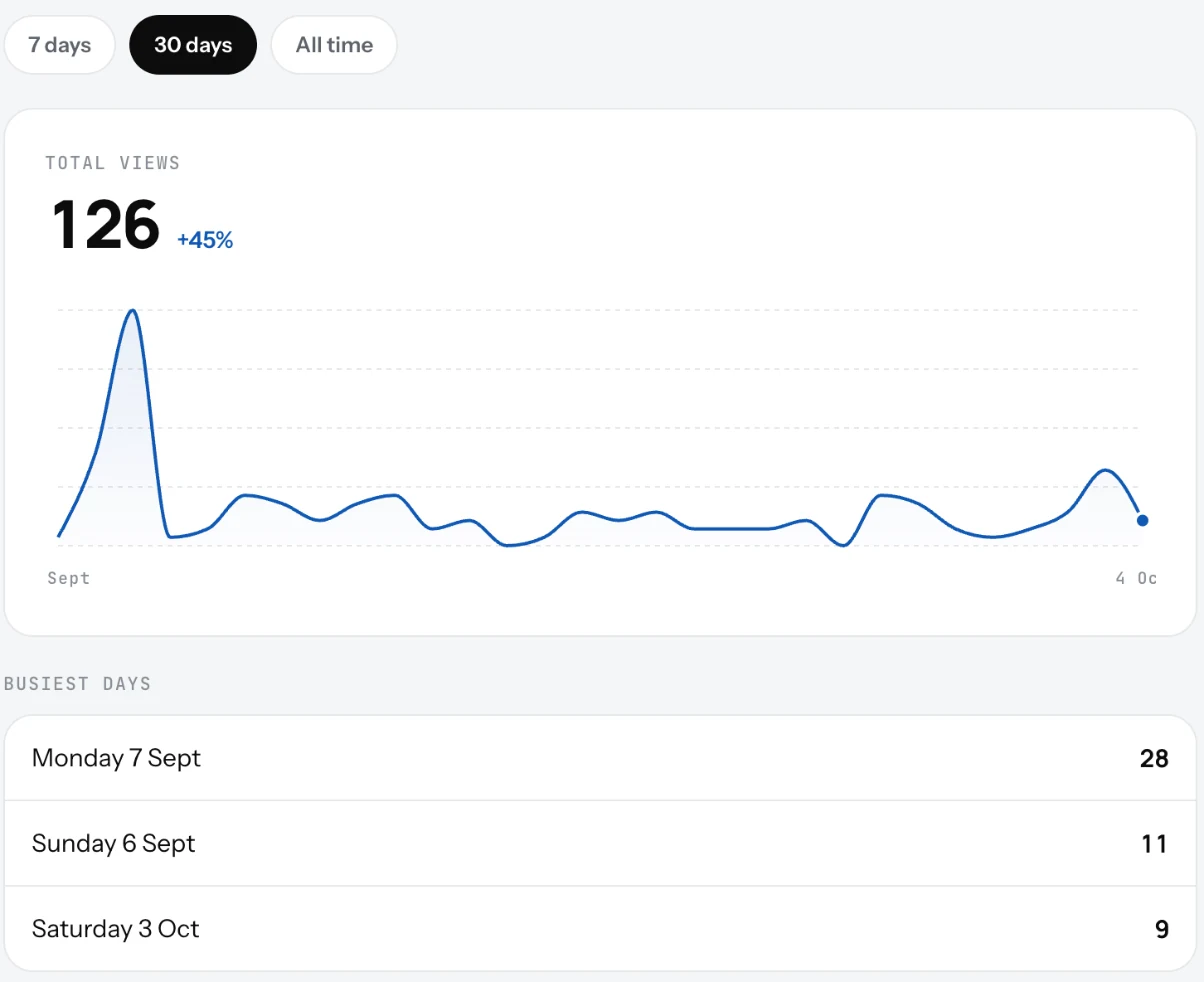
How many people opened your page, by day. See the last 7 days, 30 days or all time, and your busiest days.
A view is counted each time someone opens your page, from a link or from a QR scan. The Dashboard shows the last 7 days; the Page views screen shows more.
Read the numbers
- Open the Dashboard and click All analytics, or open Settings and the account list.
- Pick 7 days, 30 days or All time.
- The total shows with the change against the period before. The chart shows each day, or each month for all time.
- Busiest days lists your top three.
Good to know
- Views rise when you put the QR code on tables and the link in your Instagram bio and Google listing.
- Post an update and watch the next days. That tells you whether it was seen.
- Views are counts, not people. The same guest opening the page twice is two views.
Related
- The DashboardThe first screen after you sign in: your page link, page views, the on and off switch, your counts and the QR code.
- QR codeA QR code that opens your page, ready to print. Download it as PNG or SVG from the Dashboard or Settings.
- UpdatesShort notices under your name on your page: this week's offer, a holiday closure, a new dish. Up to three live at once.