
QR code
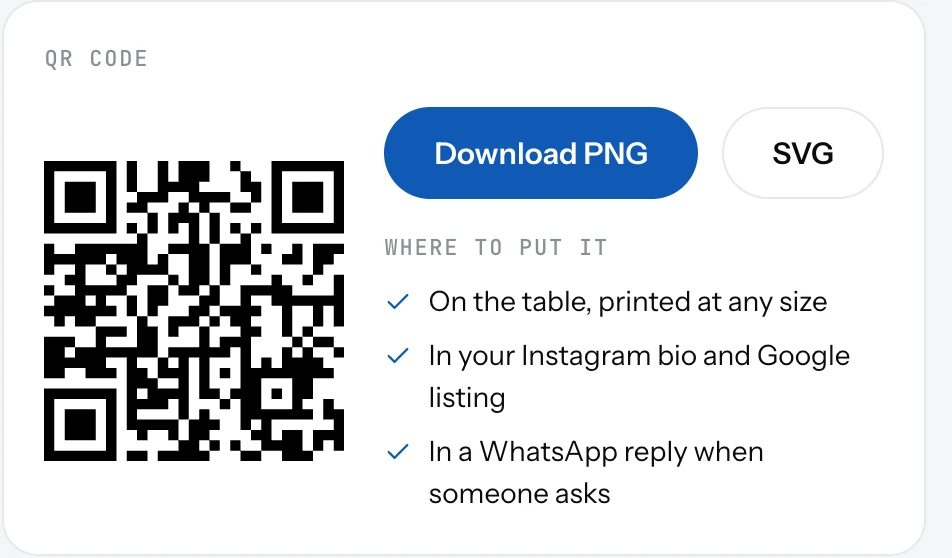
A QR code that opens your page, ready to print. Download it as PNG or SVG from the Dashboard or Settings.
Your QR code is made for you and opens your page when a guest scans it. It is on the Dashboard and on the Page tab in Settings.
Download it
- Open the Dashboard and find the QR code card.
- Click PNG for a ready image, or SVG to print it at any size without blur.
- Put it where guests look: on the table, at the counter, on the door, in your Instagram bio and Google listing.
Good to know
- One code for everything. It always opens the current page, so you never reprint after a menu change.
- Changing your page address does not break printed codes. Old addresses redirect.
- Scans count as page views, so you can see which days the code gets used.
- Your logo sits in the middle of the code if you added one.
Related
- Your page addressYour page lives at 1food.menu/@your-name. Change the name once every 14 days, and old links keep working.
- Turn your page on or offOne switch puts your page online or takes it down. Off means the link and the QR code open nothing.
- Page viewsHow many people opened your page, by day. See the last 7 days, 30 days or all time, and your busiest days.