
Create your account
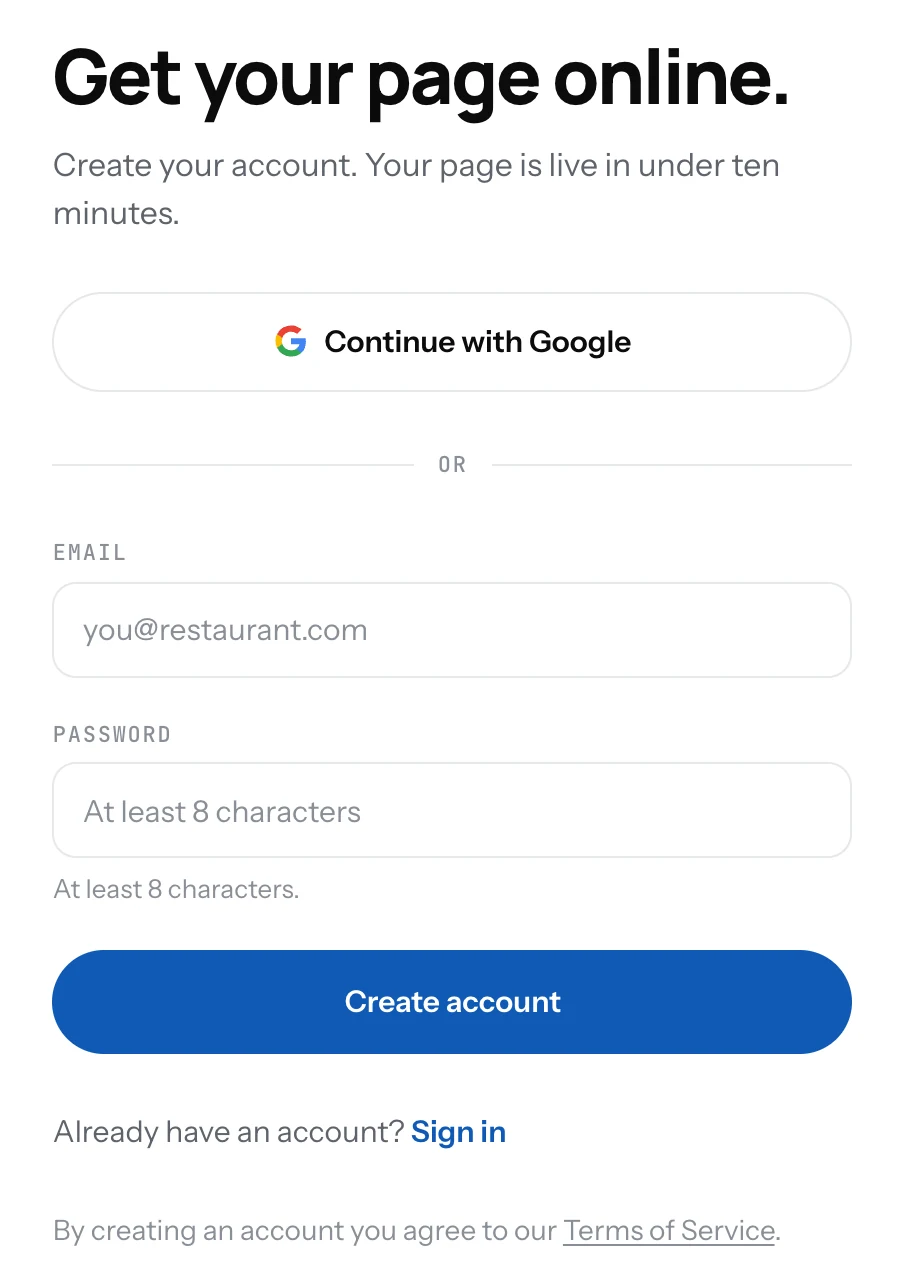
Sign up with your email and a password, or with Google. One account can run more than one page.
Your account is where your pages live. You need one to create a page, and you sign in with it from any phone or computer.
Sign up
- Open app.1food.menu/signup.
- Click Continue with Google, or type your email and a password of at least 8 characters.
- With email, open the message we send you and confirm your address.
- You land on the form that creates your first page.
Good to know
- Forgot the password? Click Reset password on the log in page and follow the email.
- The account is free. You pay only if you move a page to Pro.
- Sign out from the menu behind your avatar, top right in the Dashboard.
Related
- Create your pageName your place, say if it is a restaurant or a food truck, pick your country. Your page address is made for you.
- More than one pageRun a second place from the same account. Free includes two pages, Pro removes the limit.
- Plan and billingFree is your page and QR code. Pro puts the same menu on your website and your TV, with no ads and with Updates.