
Your page address
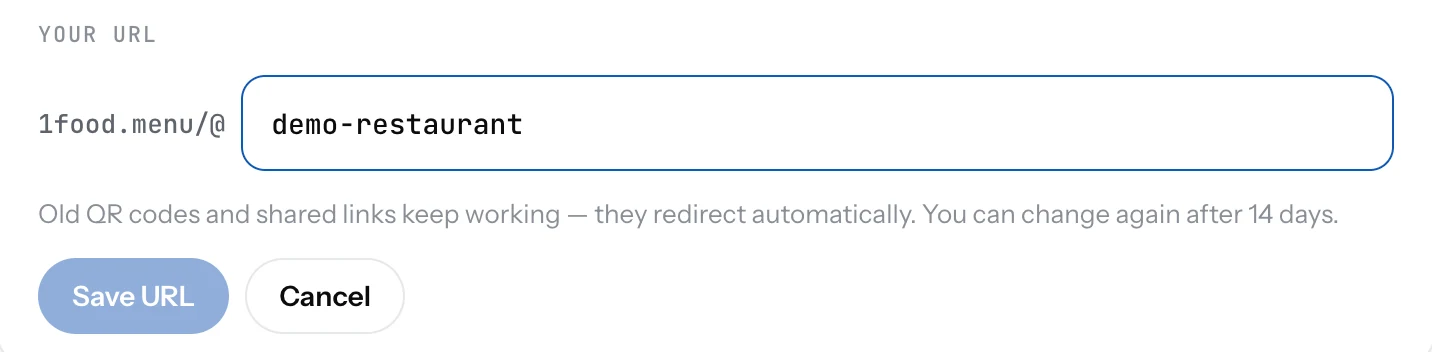
Your page lives at 1food.menu/@your-name. Change the name once every 14 days, and old links keep working.
Your page address is 1food.menu followed by @ and a name. The name is made from your restaurant name when you create the page. You can change it.
Change the name
- Open Settings and pick the Page tab.
- Under Your URL, click the name and type a new one. Letters, numbers and dashes.
- Save. The new address works right away.
Good to know
- After a change you wait 14 days before the next one. The row tells you how many days are left.
- Old links and printed QR codes keep working. They send guests to the new address on their own.
- A name that another page already uses is not available. Try a variation.
- There is no custom domain. If you have your own website, you can show the same menu on it with Pro.
Related
- QR codeA QR code that opens your page, ready to print. Download it as PNG or SVG from the Dashboard or Settings.
- Create your pageName your place, say if it is a restaurant or a food truck, pick your country. Your page address is made for you.
- Search enginesWhat Google shows for your page: a title, a short description, and whether to list the page at all.