
More than one page
Run a second place from the same account. Free includes two pages, Pro removes the limit.
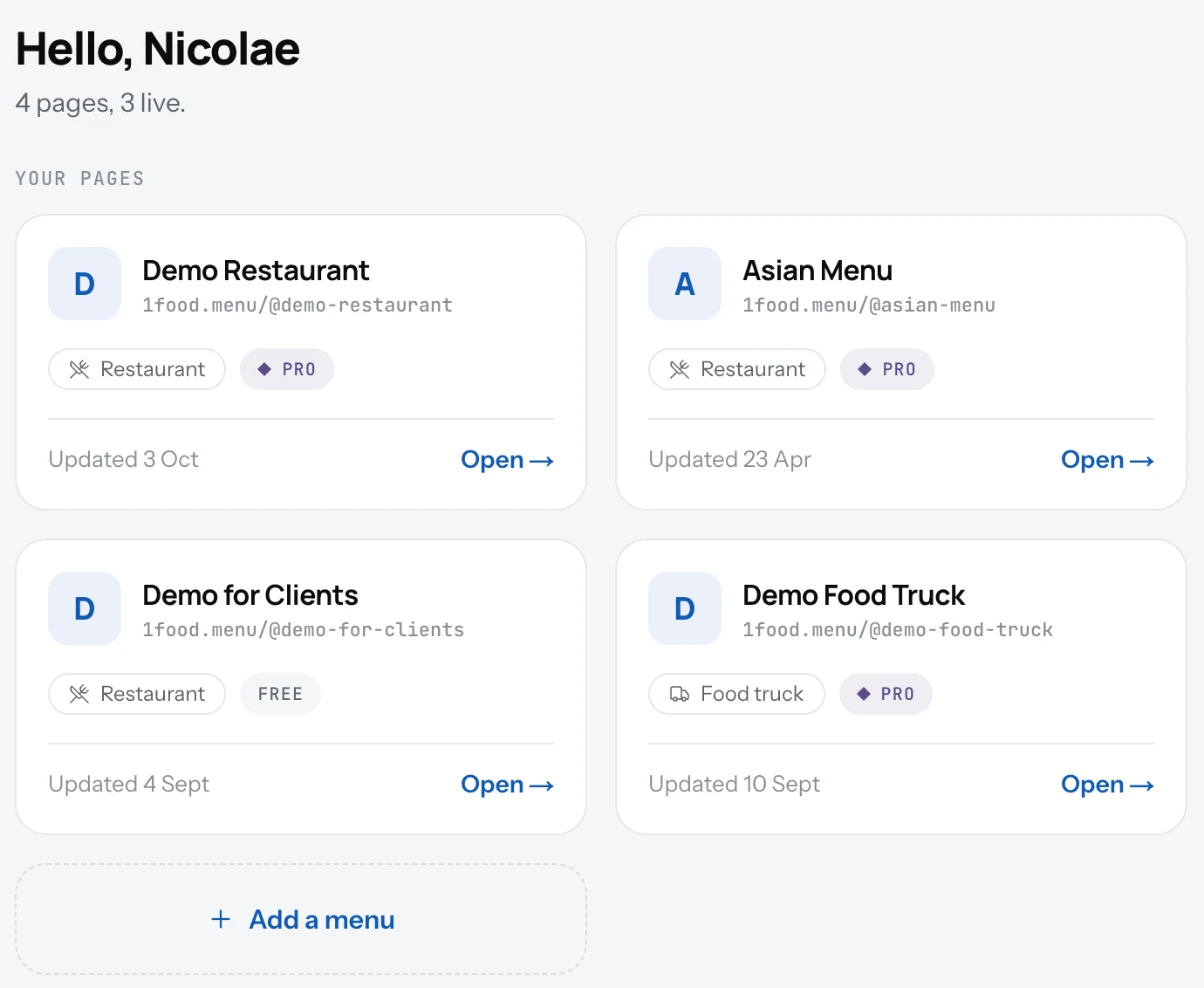
One account can hold several pages: a second restaurant, a truck and a cafe, a pop-up for the summer. Each page has its own menu, address, settings and QR code.
Add a page
- Click your avatar, top right, and pick All menus.
- Click Add a menu.
- Fill in the same short form as for your first page.
- Switch between pages from the same list.
Good to know
- Free includes two pages. On Pro there is no limit.
- Each page is on its own plan. One can be Pro while another stays Free.
- Pages do not share dishes. Copy a menu by adding the dishes again, or ask support to help with a large one.
Related
- Create your accountSign up with your email and a password, or with Google. One account can run more than one page.
- Create your pageName your place, say if it is a restaurant or a food truck, pick your country. Your page address is made for you.
- Plan and billingFree is your page and QR code. Pro puts the same menu on your website and your TV, with no ads and with Updates.