
Cover photo
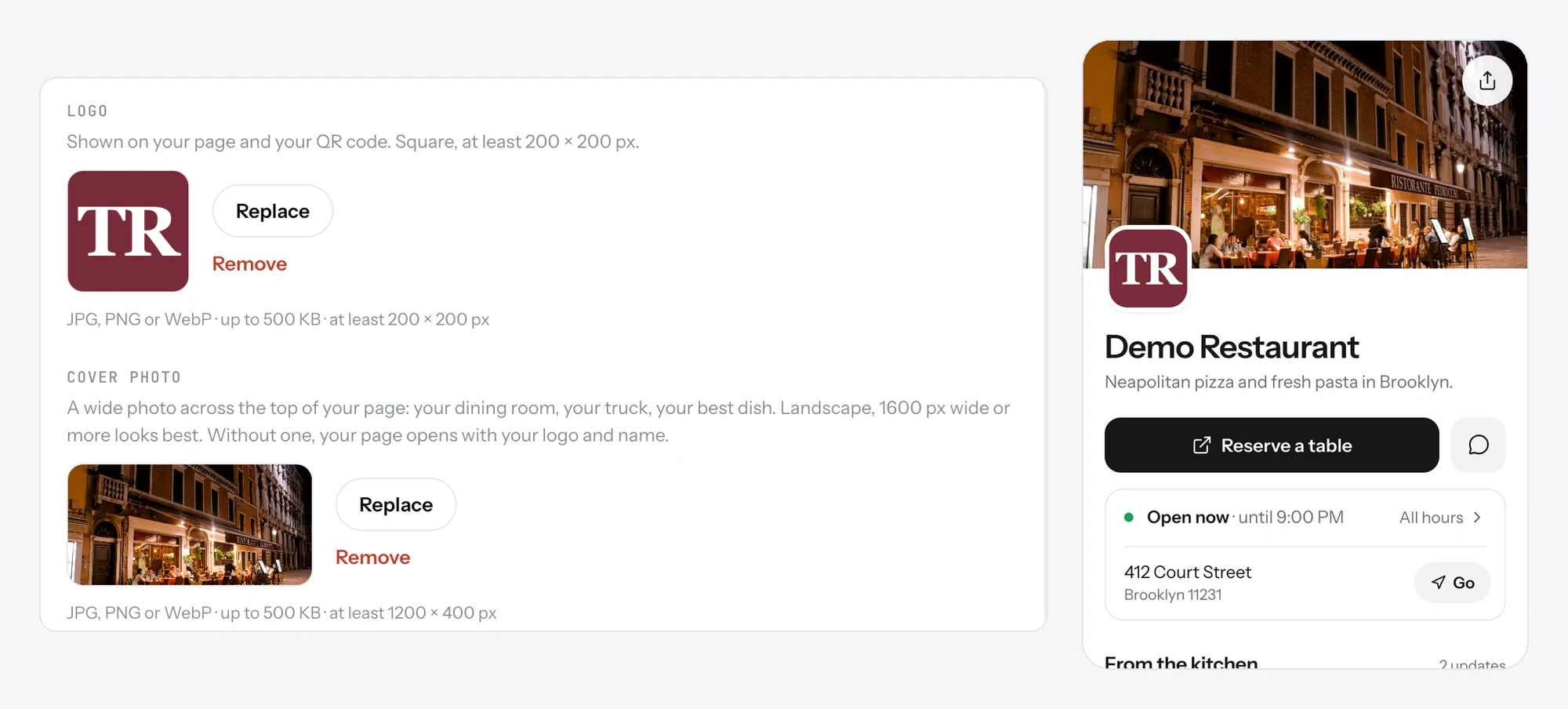
A wide photo across the top of your page: your dining room, your truck or your best dish. Without one, your page opens with your logo and name.
The cover photo is the first thing guests see when your page opens: a wide photo across the top, above your name.
Add a cover photo
- Open Settings.
- Under Cover photo, below your logo, upload a photo.
- Save. Your page opens with it.
Good to know
- Use a landscape photo, 1600 px wide or more.
- Show the place or the food. Guests decide in a second whether it looks like somewhere they want to eat.
- Without a cover photo, your page opens with your logo and name. That works too.
Related
- Name, logo and descriptionThe top of your page: your logo, your name, one line under it, and a longer text about your place.
- Dish photosAdd a photo to a dish from your phone or from a link. Dishes with a photo get more attention on your page.
- What guests seeYour page from top to bottom, as a guest sees it on a phone: cover photo, name and buttons, open or closed, updates, menu, map, contact.