
Dish photos
Add a photo to a dish from your phone or from a link. Dishes with a photo get more attention on your page.
A photo makes a dish easier to choose. You can upload one from your phone or computer, or paste a link to a photo that is already online.
Add a photo
- Open the dish in Menu.
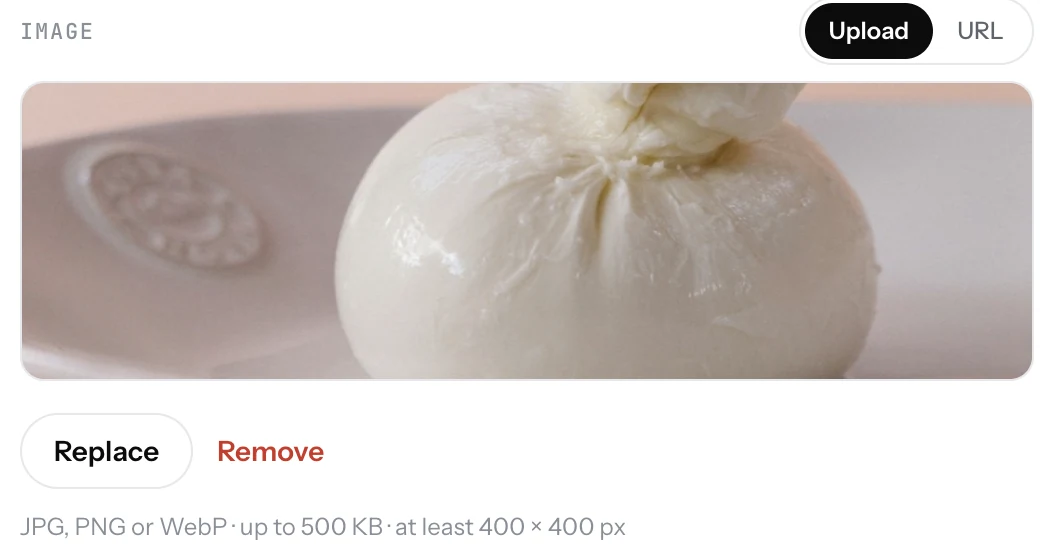
- In Image, pick Upload and click the upload area. Choose the photo.
- Or pick URL and paste the link to the photo.
- Save. The photo shows on the dish and opens larger when a guest taps it.
Good to know
- JPEG, PNG, WebP and GIF work. A phone photo in daylight is enough.
- Square or 4:3 photos look best in the list. Very tall or very wide photos are cropped.
- One photo per dish. Put the finished plate in the frame, not the kitchen.
- A dish without a photo still shows. Start with your best sellers and add the rest later.
- Photos also feed featured dishes and the photo designs on a TV screen.
Related
- DishesAdd a dish with a name, price, photo and description. It shows on your page the moment you save it.
- Featured dishesPick the dishes you want guests to see first. They show in a row of photos at the top of your menu, called Chef's picks or Popular.
- TV designsFour designs for a TV menu: Menu board, Photo slideshow, Photo grid and Spotlight. Each works on a horizontal or vertical TV.