
Extras
Optional add-ons with a price: extra cheese, a sauce, a side. Attach them to the dishes they go with.
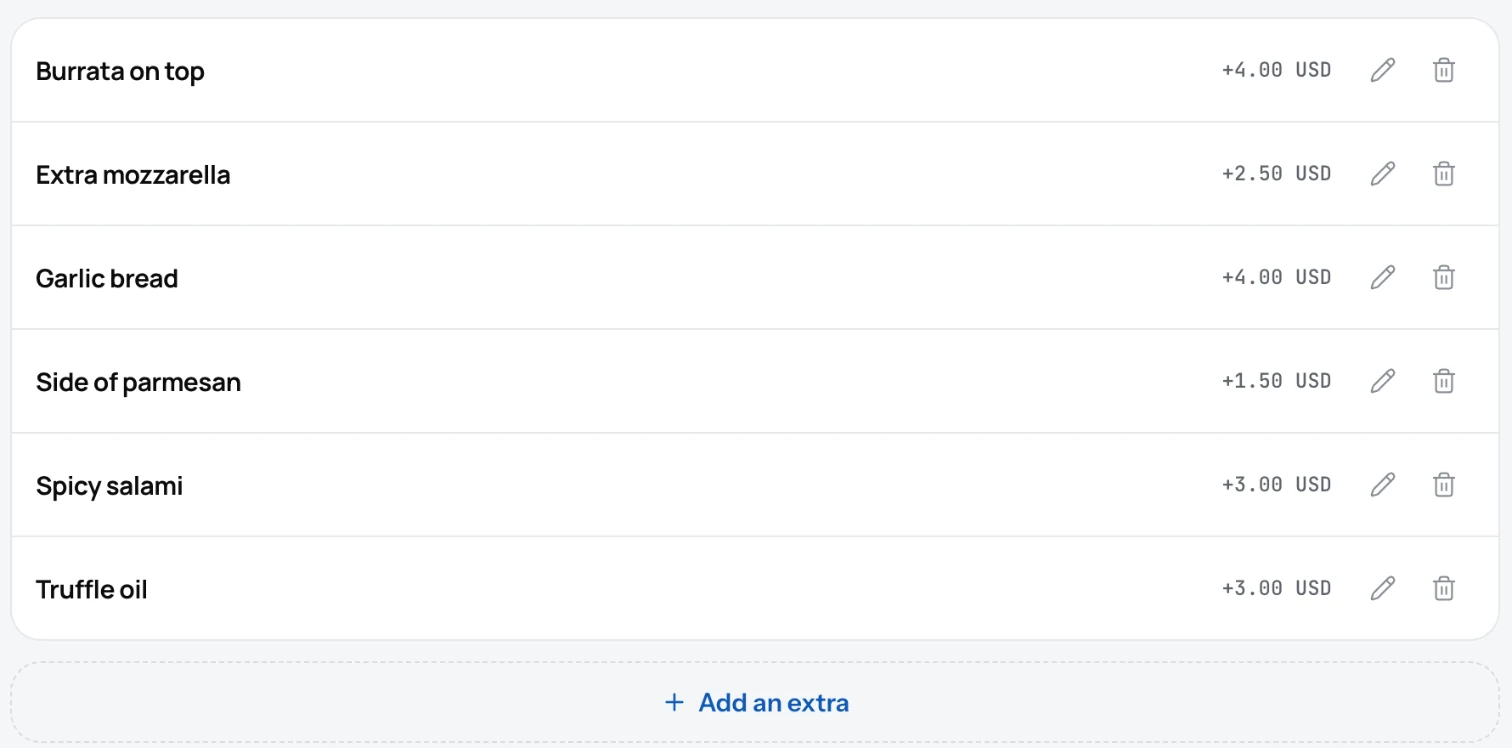
An extra is something a guest can add to a dish for a price: extra cheese, a sauce, a side of fries. You make the list once and attach the right extras to each dish.
Add an extra
- Open Menu and pick the Extra tab.
- Click Add an extra.
- Type the name and the price. "Extra cheese", "1.50".
- Click Save.
- Open a dish, find Extra in the editor and pick the extras that go with it. Save the dish.
Good to know
- Guests see the extras and their prices when they open the dish.
- An extra can be limited to some categories, so "Extra shot" shows only under Coffee.
- The price of an extra is added on top of the dish price. Your page does not take orders, so the guest tells the staff.
- Deleting an extra removes it from every dish it was attached to.
Related
- DishesAdd a dish with a name, price, photo and description. It shows on your page the moment you save it.
- PricesOne price, or several sizes with their own price. A sale price shows next to the old one, crossed out.
- AllergensGive each allergen a short code and mark the dishes that contain it. Guests see the codes and a legend on your page.